 简体中文
简体中文 繁體中文
繁體中文 English
 Français
 Русский
 日本語
日本語 Tiếng Việt
 한국어
한국어 Deutsch
 Español
 Italiano
 Português
 العربية
 ไทย
ไทย Bahasa Indonesia
 Bahasa Melayu
 Türkçe
 Polski
 Nederlands
 Dansk
Dansk Norsk
Norsk Қазақша
Claude API Key for Teams and CI in 2026: Setup, Security, and Best Practices
Learn how teams should handle Claude API keys in CI, staging, and production, with secure setup patterns, code examples, pricing considerations, and safer alternatives.

Claude API Key for Teams and CI in 2026: Setup, Security, and Best Practices#
A lot of guides explain how to get a Claude API key. Fewer explain what happens after that, which is where teams usually make mistakes. Once a project moves from local experimentation to shared repos, CI pipelines, staging, and production, Claude API key management becomes a security and reliability problem, not just a setup step.
This guide focuses on the developer version of the question: how should teams use a Claude API key in CI and production without leaking credentials or creating billing chaos?
What is a Claude API key in team environments?#
A Claude API key is a credential used to authenticate requests to Anthropic-compatible services. In a team setting, that key may be used by:
- Local development environments
- CI pipelines
- Backend services
- Preview environments
- Internal tools
- Shared QA automation
That is exactly why a single raw key pasted everywhere is a terrible idea.
Claude API key vs safer alternatives#
| Approach | Strength | Weakness | Best for |
|---|---|---|---|
| One shared key | Easy | Unsafe and untraceable | Almost nobody |
| Per-environment secrets | Better isolation | More setup | Normal teams |
| Proxy or gateway key model | Centralized control | Requires architecture | Growing teams |
| Crazyrouter unified key | Multi-model + routing + easier policy control | Requires gateway adoption | Teams using multiple models |
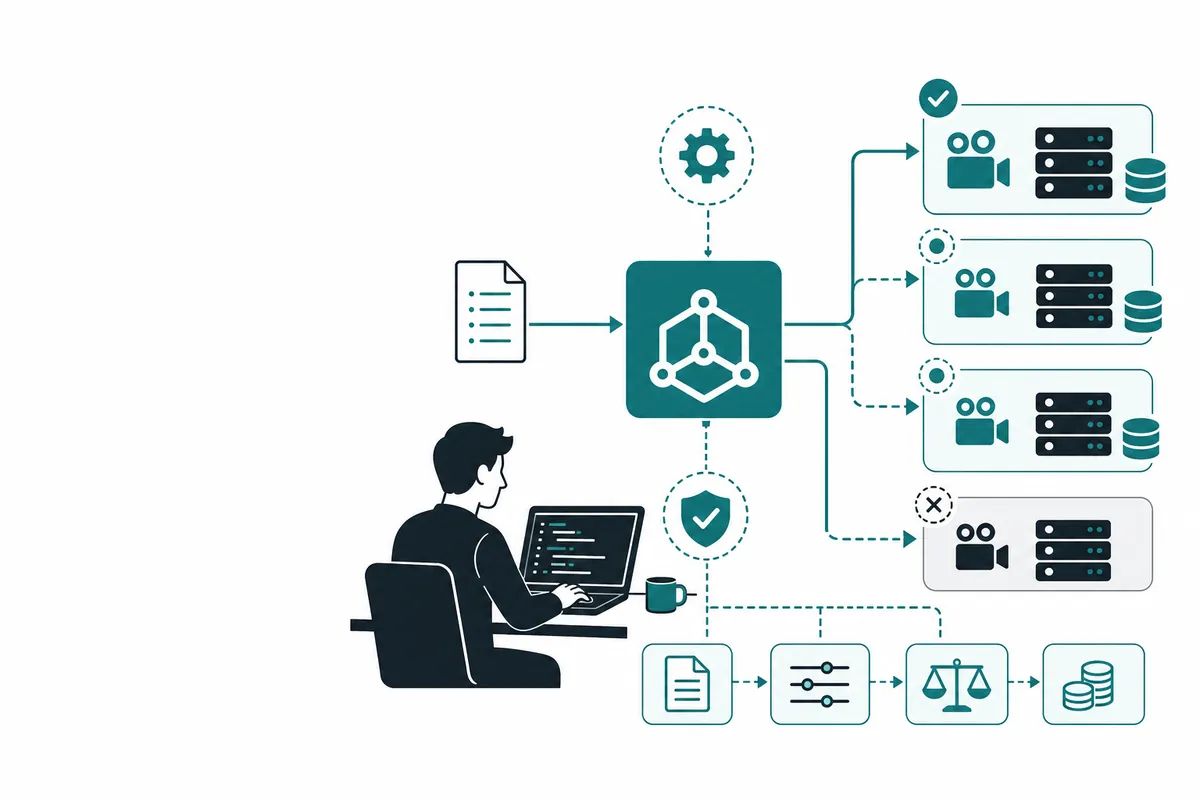
The best practice is to avoid spreading provider-native secrets directly into every workflow when a gateway can centralize policy and visibility.
How to use Claude securely with code#
Environment variables in CI#
export ANTHROPIC_API_KEY="your_secure_key"
In GitHub Actions or other CI systems, store the key in the platform's secrets manager instead of hardcoding it.
Python example#
import os
from anthropic import Anthropic

client = Anthropic(api_key=os.environ["ANTHROPIC_API_KEY"])

message = client.messages.create(
    model="claude-sonnet-4-5-20250929",
    max_tokens=512,
    messages=[
        {"role": "user", "content": "Review this pull request summary."}
    ]
)

print(message.content[0].text)
Node.js example#
import Anthropic from "@anthropic-ai/sdk";

const client = new Anthropic({
  apiKey: process.env.ANTHROPIC_API_KEY,
});

const message = await client.messages.create({
  model: "claude-sonnet-4-5-20250929",
  max_tokens: 512,
  messages: [
    { role: "user", content: "Summarize this deployment log." }
  ],
});

console.log(message.content[0].text);
cURL example#
curl https://ai.crazyrouter.us/v1/messages \
  -H "x-api-key: $CRAZYROUTER_API_KEY" \
  -H "anthropic-version: 2023-06-01" \
  -H "Content-Type: application/json" \
  -d '{
    "model": "claude-sonnet-4-5-20250929",
    "max_tokens": 512,
    "messages": [
      {"role": "user", "content": "Analyze this CI failure summary."}
    ]
  }'
Pricing breakdown#
Why mention pricing in a key-management guide? Because team key sprawl leads directly to cost sprawl.
| Setup style | Cost impact |
|---|---|
| One shared key everywhere | Hard to attribute costs |
| Per-service keys | Better visibility |
| Gateway layer | Easier model routing and spend control |
Official Claude pricing vs Crazyrouter#
| Option | Pricing style | Team advantage |
|---|---|---|
| Official Claude API | Direct per-token | Simple but single-vendor |
| Crazyrouter | Per-token across many models | Centralized multi-model control |
With Crazyrouter, teams can standardize on one OpenAI-compatible or Anthropic-compatible integration pattern, then route workloads across models instead of hard-wiring everything to Claude forever.
Best practices for teams and CI#
1. Never hardcode the key#
Not in source code, not in Dockerfiles, not in test fixtures.
2. Use separate secrets by environment#
Dev, staging, and production should not share the same credential.
3. Rotate keys regularly#
Especially after staff changes or incident response.
4. Add usage attribution#
Know which app, workflow, or team consumed the spend.
5. Consider a gateway layer#
A gateway helps you add rate limits, auditing, failover, and provider choice later without rewriting every client.
FAQ#
Can I use one Claude API key for my whole team?#
Technically yes, but it is a bad idea. Shared keys make security, auditing, and cost attribution much harder.
How should I store a Claude API key in CI?#
Use your CI provider's secret manager or encrypted environment variable system. Never commit it to the repository.
Should teams use Anthropic directly or a gateway?#
Small teams can start direct, but once you need better visibility or multi-provider flexibility, a gateway becomes more practical.
Can I use Claude through Crazyrouter?#
Yes. Crazyrouter can provide access to Claude and many other models through one API key and routing layer.
Why is key management tied to cost control?#
Because leaked or overused keys are both security incidents and billing incidents. Good secret design reduces both risks.
Summary#
Managing a Claude API key for teams and CI is not glamorous, but it is one of those things that quietly determines whether your AI stack stays manageable. Good teams treat secrets as infrastructure, not as copy-paste tokens.
If you want a cleaner way to control access, route workloads, and avoid provider lock-in, start with Crazyrouter. It gives you a practical path from local experimentation to multi-model production without turning API key management into a recurring disaster.