 简体中文
简体中文 繁體中文
繁體中文 English
 Français
 Русский
 日本語
日本語 Tiếng Việt
 한국어
한국어 Deutsch
 Español
 Italiano
 Português
 العربية
 ไทย
ไทย Bahasa Indonesia
 Bahasa Melayu
 Türkçe
 Polski
 Nederlands
 Dansk
Dansk Norsk
Norsk Қазақша
简体中文Tutorial
GPT-image-2 实战:AI 面相分析 & 个人色彩诊断 — 两大爆款玩法一文搞定
用 GPT-image-2 通过 Crazyrouter API 生成 AI 面相分析报告和个人色彩季节诊断图。附完整 Python、curl、Node.js 代码。
C
Crazyrouter Team
2026年5月1日 / 1152 次浏览
分享:
Crazyrouter
GPT-image-2 实战:AI 面相分析 & 个人色彩诊断#
社交媒体上又两个爆火的 AI 图像玩法:AI 面相分析和个人色彩季节诊断。两者都利用了 GPT-image-2 生成带有清晰文字标注的信息图的能力。
本文是 GPT-image-2 系列第二篇,一次搞定两个玩法。
效果展示#
AI 面相分析#
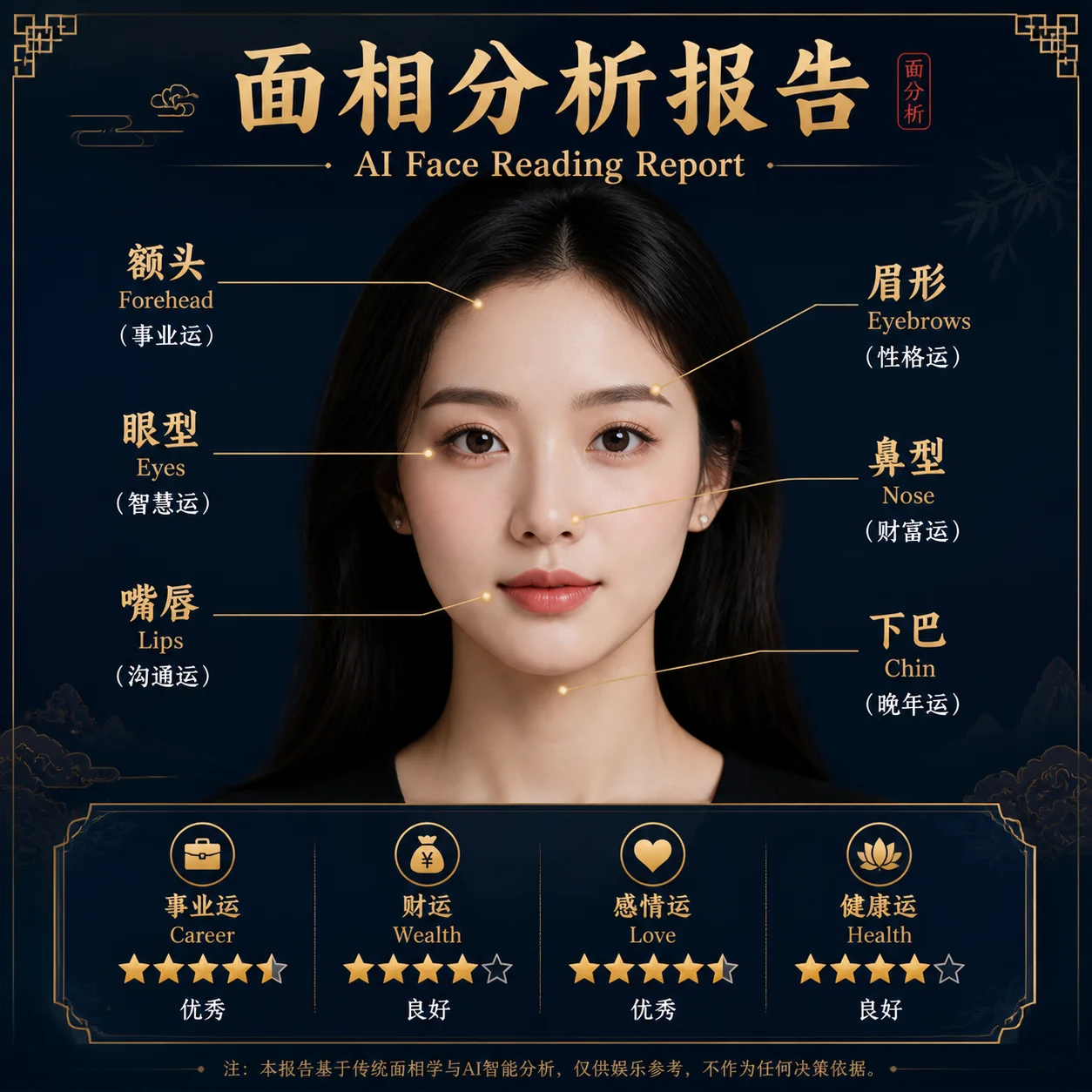
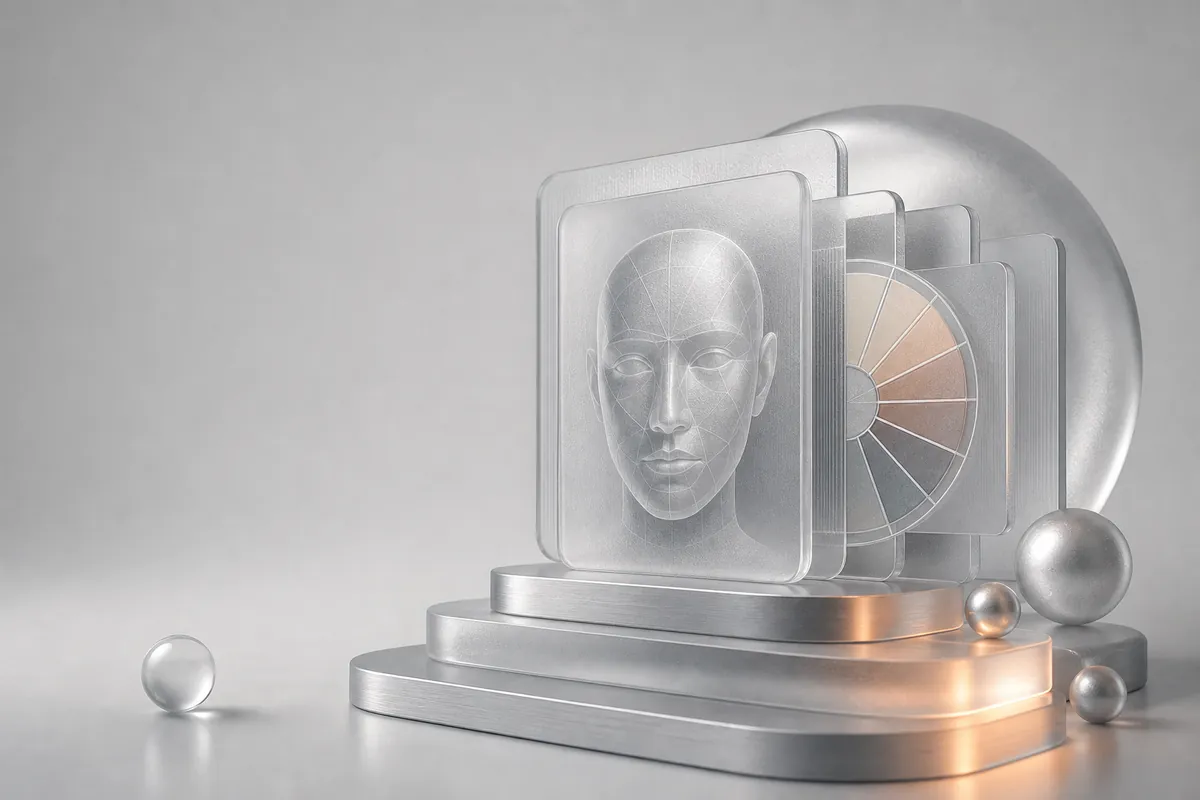
模型分析面部特征 — 额头形状、眉形、眼型、鼻梁、唇形 — 并为每个特征生成性格解读。
个人色彩诊断#
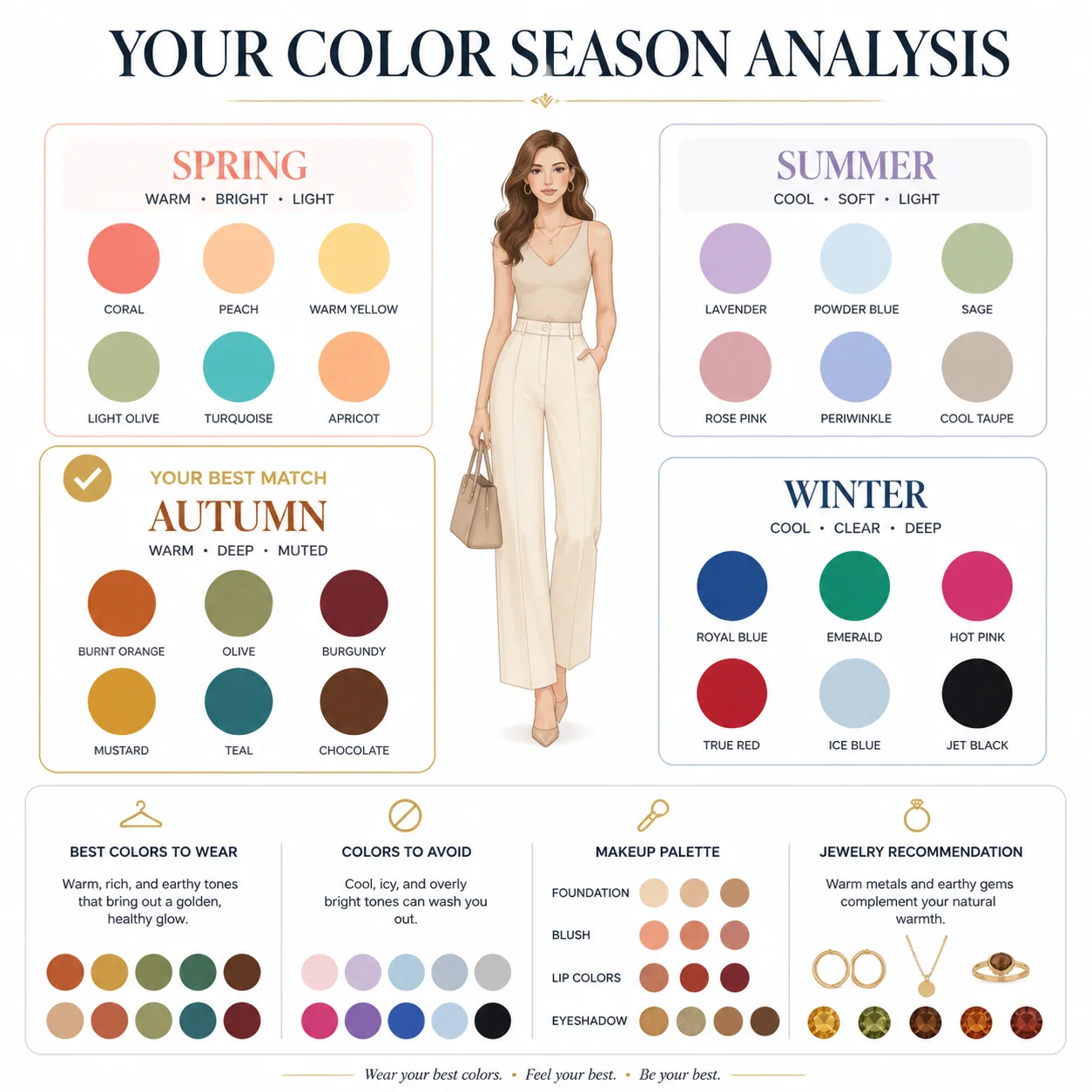
判断你属于哪个色彩季节(春/夏/秋/冬),推荐服装、妆容和配饰的最佳配色。
面相分析 — 完整代码#
Python#
python
from openai import OpenAI

client = OpenAI(
    api_key="your-crazyrouter-api-key",
    base_url="https://ai.crazyrouter.us/v1"
)

face_reading_prompt = """
Create a professional AI face reading analysis infographic.
Style: elegant, modern, dark background with golden accent lines.

Analyze and annotate these facial features:
- Forehead shape → Career & wisdom interpretation
- Eyebrow arch → Personality & temperament
- Eye shape & spacing → Emotional intelligence
- Nose bridge & tip → Wealth & determination
- Lip shape → Communication & relationships
- Jawline → Willpower & resilience

Layout:
- Center: a stylized face outline with golden annotation lines
- Sides: interpretation cards for each feature
- Bottom: overall personality summary with strengths

Professional consultation report style. Clean typography.
"""

response = client.images.generate(
    model="gpt-image-2",
    prompt=face_reading_prompt,
    size="1024x1024",
    n=1
)

print(f"面相分析: {response.data[0].url}")
curl#
bash
curl -X POST https://ai.crazyrouter.us/v1/images/generations \
  -H "Content-Type: application/json" \
  -H "Authorization: Bearer your-crazyrouter-api-key" \
  -d '{
    "model": "gpt-image-2",
    "prompt": "Professional AI face reading infographic. Dark background, golden accents. Annotate forehead, eyebrows, eyes, nose, lips, jawline with personality interpretations. Center face outline with annotation lines. Side interpretation cards. Bottom personality summary. Clean modern design.",
    "size": "1024x1024",
    "n": 1
  }'
个人色彩诊断 — 完整代码#
Python#
python
color_analysis_prompt = """
Create a personal color season analysis infographic.
Style: clean, elegant, white background with soft color accents.

Show the four color seasons:
- Spring Warm: coral, peach, warm gold, cream
- Summer Cool: lavender, soft blue, rose pink, silver
- Autumn Warm: burnt orange, olive, mustard, chocolate
- Winter Cool: pure white, black, royal blue, true red

Layout:
- Top: title "Personal Color Season Analysis"
- Center: four quadrants, each showing a season with:
  - Season name and characteristics
  - 6-8 color swatches
  - Best clothing/makeup colors
  - Colors to avoid
- Bottom: "Your Season: Autumn Warm" with personalized recommendations

Professional style guide aesthetic. Fashion magazine quality.
"""

response = client.images.generate(
    model="gpt-image-2",
    prompt=color_analysis_prompt,
    size="1024x1024",
    n=1
)

print(f"色彩诊断: {response.data[0].url}")
Node.js#
javascript
import OpenAI from "openai";

const client = new OpenAI({
  apiKey: "your-crazyrouter-api-key",
  baseURL: "https://ai.crazyrouter.us/v1",
});

// 面相分析
const faceResult = await client.images.generate({
  model: "gpt-image-2",
  prompt: `Professional AI face reading infographic. Dark background, golden accents.
Annotate: forehead, eyebrows, eyes, nose, lips, jawline.
Each with personality interpretation. Clean modern consultation report style.`,
  size: "1024x1024",
  n: 1,
});

// 色彩诊断
const colorResult = await client.images.generate({
  model: "gpt-image-2",
  prompt: `Personal color season analysis infographic. Four seasons: Spring, Summer, Autumn, Winter.
Each with color swatches and clothing recommendations.
Fashion magazine quality, clean elegant design.`,
  size: "1024x1024",
  n: 1,
});

console.log("面相:", faceResult.data[0].url);
console.log("色彩:", colorResult.data[0].url);
变现思路#
| 方式 | 说明 |
|---|---|
| 社交媒体滤镜 | 用户上传自拍,分享结果 → 自然传播 |
| 付费报告 | 免费基础版,详细报告收费 ¥5-20 |
| 微信小程序 / Bot | 自动化收费,按次计费 |
| 美妆博主工具 | 色彩诊断作为内容素材 |
成本#
每次生成约 $0.04-0.08(通过 Crazyrouter)。如果收费 ¥10/次,利润率 90%+。
🚀 Crazyrouter — 一个 API Key,600+ 模型。GPT-image-2、GPT-5.5、Claude Opus 4.7、DeepSeek V4 等。
Implementation Guides
Quick Start GuideMake the first Crazyrouter API call and validate your setup.AuthenticationCreate and use API keys with the required authorization headers.Image Upload GuidanceUpload local reference images and use temporary public media URLs.IntroductionUnderstand Crazyrouter's all-in-one AI model API gateway.
Crazyrouter
主题
Tutorial