 简体中文
简体中文 繁體中文
繁體中文 English
 Français
 Русский
 日本語
日本語 Tiếng Việt
 한국어
한국어 Deutsch
 Español
 Italiano
 Português
 العربية
 ไทย
ไทย Bahasa Indonesia
 Bahasa Melayu
 Türkçe
 Polski
 Nederlands
 Dansk
Dansk Norsk
Norsk Қазақша
OpenClaw Custom Model Integration: Configure and Test an OpenAI-Compatible Endpoint
Connect OpenClaw to a custom OpenAI-compatible model endpoint. Verify the API, configure models.providers, and diagnose authentication, model ID and tool-call failures.

OpenClaw Custom Model Integration: Configure and Test an OpenAI-Compatible Endpoint#
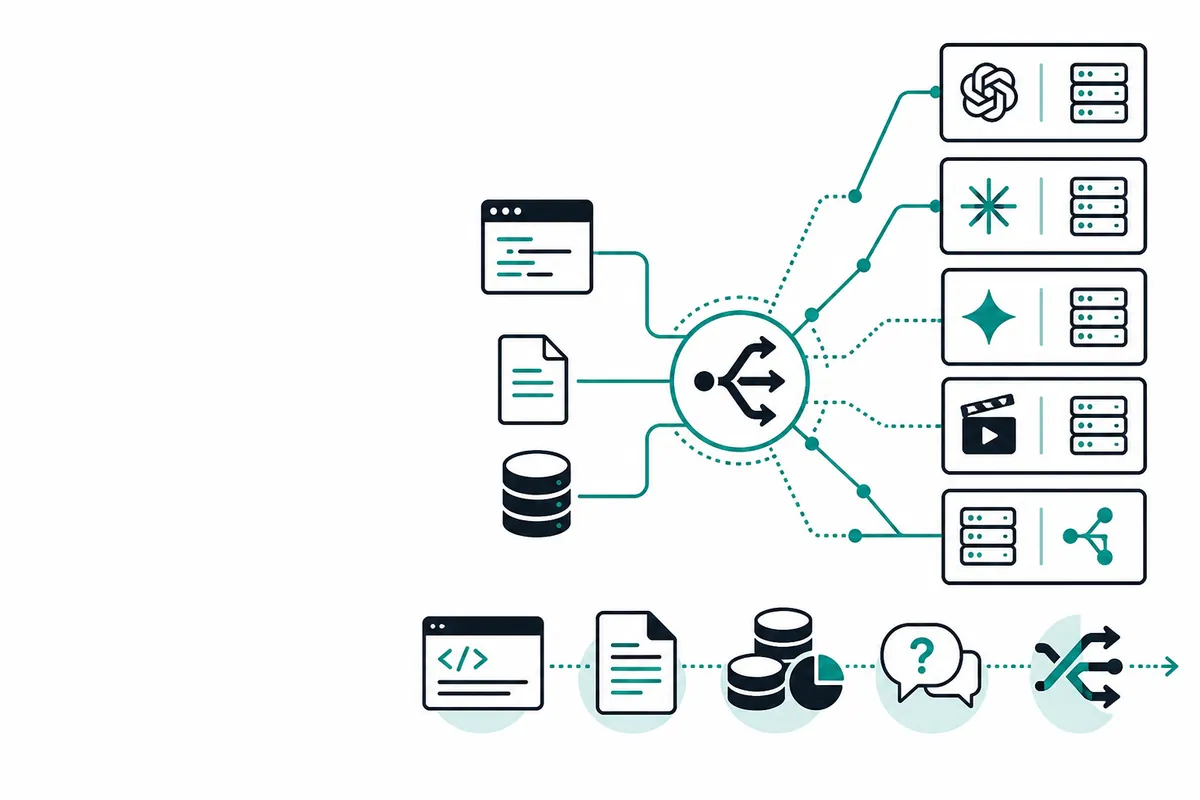
To connect a custom model to OpenClaw, first run a model server that exposes a supported inference API. Then register its base URL and model ID under models.providers. OpenClaw routes agent requests to that server; registering a model does not download weights, train a model, or turn an arbitrary Python function into an inference service.
This guide covers an existing OpenAI-compatible Chat Completions endpoint. The configuration follows the official custom-provider documentation, reviewed on October 15, 2026. The endpoint checks below are diagnostic examples, not a benchmark or a claim that every compatible server supports OpenClaw's tools.
Choose a built-in provider or an explicit custom route#
OpenClaw documents provider integrations for runtimes including vLLM, Ollama and LM Studio. Start with the runtime's own provider instructions when you want its discovery or model-loading behavior. For example, Ollama's native provider and a generic OpenAI-compatible endpoint are different integration paths.
Use an explicit custom provider when you operate a proxy, use a hosted compatible service, or need a particular endpoint and model catalog. You need four facts from that service:
| Setting | What to verify |
|---|---|
| Base URL | The inference API root, such as http://127.0.0.1:8000/v1, not a dashboard or a full /chat/completions URL |
| Model ID | The exact ID accepted by that endpoint; a product display name is not sufficient |
| Authentication | The endpoint's own API key and expected authorization scheme |
| API contract | Chat Completions, Responses and Anthropic Messages have different request and response shapes |
For a hosted Crazyrouter route, use https://ai.crazyrouter.us/v1 as the OpenAI-compatible base URL and select an available model from your account. Check current availability and pricing before making a request. The same diagnostic sequence applies to a local server; its authentication and model IDs come from your own deployment.
Verify the endpoint before editing OpenClaw#
Run these commands from the machine or container where the OpenClaw Gateway runs. A successful call from your laptop does not prove the Gateway can reach the same address.
The examples use a POSIX shell. Set the API key securely in your shell or service environment; do not paste a real key into an article, repository, or shared terminal log.
export CUSTOM_MODEL_BASE_URL='http://127.0.0.1:8000/v1'
export CUSTOM_MODEL_ID='replace-with-the-served-model-id'
# Set CUSTOM_MODEL_API_KEY to the credential required by your endpoint.
If the service supports model discovery, inspect its catalog:
curl --fail-with-body --silent --show-error \
  --connect-timeout 10 --max-time 30 \
  "${CUSTOM_MODEL_BASE_URL%/}/models" \
  -H "Authorization: Bearer ${CUSTOM_MODEL_API_KEY}"
Use an ID from data[].id. Some compatible services do not implement /models; in that case use their documented model ID and test inference directly. A missing discovery endpoint alone does not establish that Chat Completions is broken.
This standard-library Python check sends one small, non-streaming request. It performs no automatic retries. On a billed endpoint, the request can incur a charge. Save it as check_custom_model.py:
import json
import os
import urllib.error
import urllib.request

base = os.environ["CUSTOM_MODEL_BASE_URL"].rstrip("/")
model = os.environ["CUSTOM_MODEL_ID"]
key = os.environ["CUSTOM_MODEL_API_KEY"]
payload = {
    "model": model,
    "messages": [{"role": "user", "content": "Reply with the word ready."}],
    "stream": False,
}
request = urllib.request.Request(
    base + "/chat/completions",
    data=json.dumps(payload).encode("utf-8"),
    headers={
        "Content-Type": "application/json",
        "Authorization": "Bearer " + key,
    },
    method="POST",
)
try:
    with urllib.request.urlopen(request, timeout=60) as response:
        result = json.load(response)
except urllib.error.HTTPError as error:
    raise SystemExit(f"Inference failed with HTTP {error.code}; inspect server logs.")
except urllib.error.URLError:
    raise SystemExit("Cannot reach endpoint; check DNS, TLS and network routing.")

choices = result.get("choices") if isinstance(result, dict) else None
if not isinstance(choices, list) or not choices or not isinstance(choices[0], dict):
    raise SystemExit("Expected a non-empty Chat Completions choices array.")
message = choices[0].get("message")
text = message.get("content") if isinstance(message, dict) else None
if not isinstance(text, str) or not text.strip():
    raise SystemExit("No text answer in choices[0].message.content; inspect the response contract.")
print("Chat Completions text response received:", text)
The check verifies a basic text response only. It does not validate streaming, images, tool calls, reasoning options, or long-context behavior. An endpoint can pass this check and still fail an agent workflow that requires one of those features.
Register the custom provider#
Merge the following fields into your existing OpenClaw configuration. Preserve unrelated agents, channels and authentication settings. Replace served-model-id in both the model entry and the agent reference with the exact model ID verified above.
{
  "agents": {
    "defaults": {
      "model": { "primary": "custom/served-model-id" },
      "models": {
        "custom/served-model-id": { "alias": "Custom model" }
      }
    }
  },
  "models": {
    "providers": {
      "custom": {
        "baseUrl": "http://127.0.0.1:8000/v1",
        "apiKey": "${CUSTOM_MODEL_API_KEY}",
        "api": "openai-completions",
        "models": [
          {
            "id": "served-model-id",
            "name": "Custom model",
            "reasoning": false,
            "input": ["text"]
          }
        ]
      }
    }
  }
}
Here, custom is your OpenClaw provider namespace. The full selection reference is custom/served-model-id; the upstream API receives the served model ID. An alias in agents.defaults.models does not register an inference provider by itself, so keep the matching models.providers.custom.models entry.
openai-completions is the documented setting for this compatible Chat Completions route. Do not switch to a Responses or Messages API merely because the model name contains OpenAI or Claude. Choose the protocol supported by the endpoint. See our comparison of Chat Completions, Responses and Messages for the request-shape differences.
Ensure the environment variable is available to the Gateway process. An export in a terminal does not automatically update an already running system service. Apply configuration changes using the procedure for your installation; the official provider documentation uses openclaw gateway restart for Gateway restarts. Keep a copy of the prior configuration so you can restore it if validation fails.
Add capabilities only after testing them#
The example declares text input and does not claim reasoning or image support. If your endpoint accepts images, the official documentation requires matching model input metadata such as ["text", "image"]; changing metadata does not add vision capability to a text-only server.
Set contextWindow and maxTokens to limits verified for your deployment, including any proxy restrictions. Do not copy a large context value from an unrelated model. OpenClaw documents defaults and fallbacks when metadata is absent, and those values are not evidence of what your server can handle.
Likewise, default zero-valued cost metadata does not make hosted inference free. Use your provider's billing information and actual usage records. For agent use, test at least one small, harmless tool call and confirm the complete request, tool result and follow-up answer cycle. A plain text response is insufficient evidence of tool compatibility.
Diagnose failures at the correct layer#
| Symptom | First check |
|---|---|
| Connection refused or timeout | Server listening address, port, container network and firewall |
| HTTP 401 or 403 | Endpoint credential and permissions; Gateway login credentials are separate |
| HTTP 404 | Base URL, duplicated /v1, selected protocol and the route implemented by the service |
| Model not found | Exact upstream ID and matching OpenClaw provider/model entry |
| HTTP 400 on agent turns | Unsupported tools, roles, reasoning fields or model-specific parameters |
| Simple requests work but long sessions fail | Actual input/output limits, context accounting and timeouts |
| Text works but tool calls fail | Server tool-call format and the model's tool-use support |
Inside a container, 127.0.0.1 points to that container. Use the reachable host or service address for your deployment; do not solve this by exposing an unauthenticated inference server to the public internet. Re-run the direct check from the Gateway environment before changing model settings.
For 429 or transient server errors, use bounded retries only where the request and billing semantics permit them. Authentication errors and invalid model IDs will not be fixed by repeated requests. Our retry and error-handling guide covers retry limits and duplicate-work risks; the observability guide covers request IDs and usage logs without recording API keys.
What this integration does not provide#
This configuration connects an already working inference endpoint. It does not supply a production model server, GPU scheduler, embeddings adapter or universal plugin interface. Use your runtime's documented deployment process for those tasks. Verify the direct API first, register the matching provider and model second, then test the specific OpenClaw features your workflow needs.
Sources: OpenClaw custom providers and local runtimes, OpenClaw model providers, and OpenClaw configuration reference. Configuration reviewed against those sources; no end-to-end OpenClaw runtime test or live inference benchmark is claimed.