 简体中文
简体中文 繁體中文
繁體中文 English
 Français
 Русский
 日本語
日本語 Tiếng Việt
 한국어
한국어 Deutsch
 Español
 Italiano
 Português
 العربية
 ไทย
ไทย Bahasa Indonesia
 Bahasa Melayu
 Türkçe
 Polski
 Nederlands
 Dansk
Dansk Norsk
Norsk Қазақша
Clawdbot in Less Than 2 Minutes (FREE 24/7 HOSTING)
Learn how to deploy Clawdbot (Claude.bot) in under two minutes with free 24/7 hosting on AWS. This tutorial shows setup, channel integration (WhatsApp
Overview#
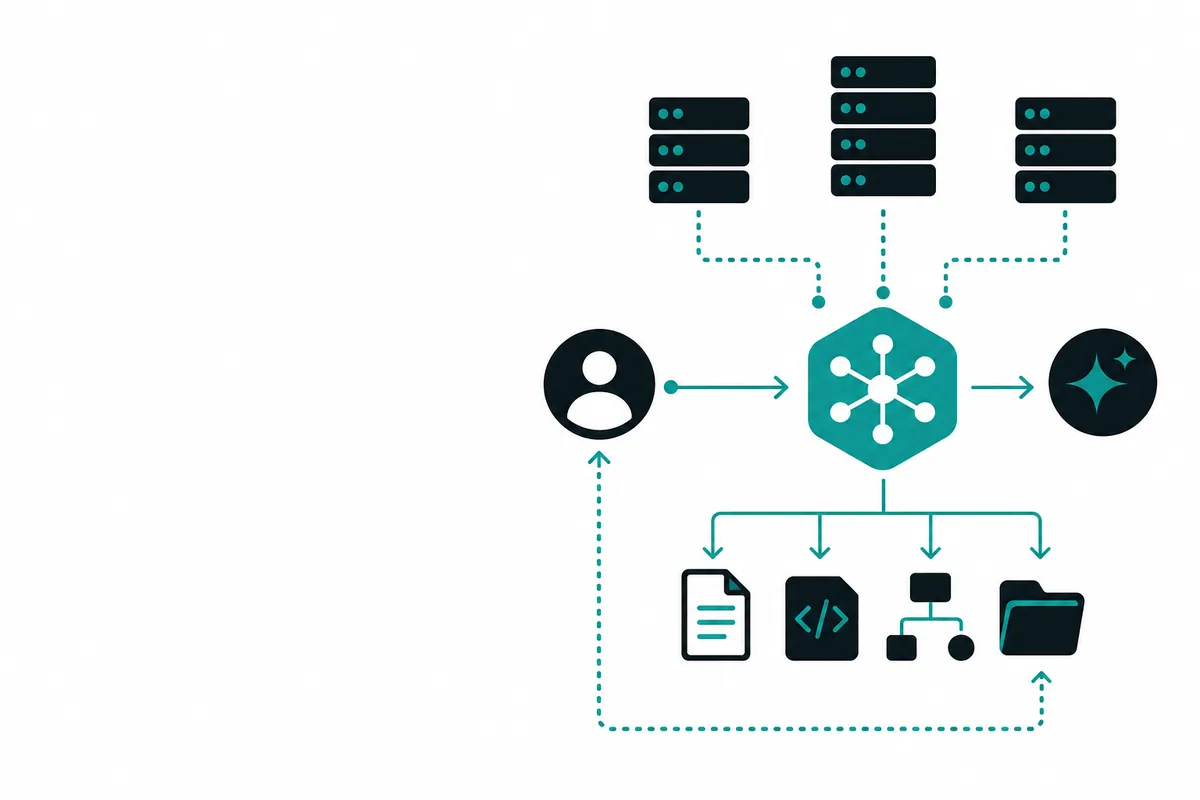
In this video, you’ll learn how to set up Clawdbot (Claude.bot) in under two minutes with free 24/7 hosting using the AWS free tier. Clawdbot is an open‑source, always‑on AI agent that runs in the cloud or on your local machine, with full system access, support for skills and plugins, and seamless integration with popular messaging platforms like WhatsApp, Discord, and Telegram.
The creator walks through the entire process: launching an EC2 instance on Amazon Web Services, installing Clawdbot with a single command, connecting it to your Anthropic Claude account, and configuring channels and skills so your bot can actually do useful work—like searching the web, managing emails, or even helping you shop using smart glasses.
If you’ve wanted your own personal AI assistant that runs 24/7, is highly customizable, and doesn’t require complex DevOps knowledge, this step‑by‑step guide shows you exactly how to get started.
Key Steps and Features#
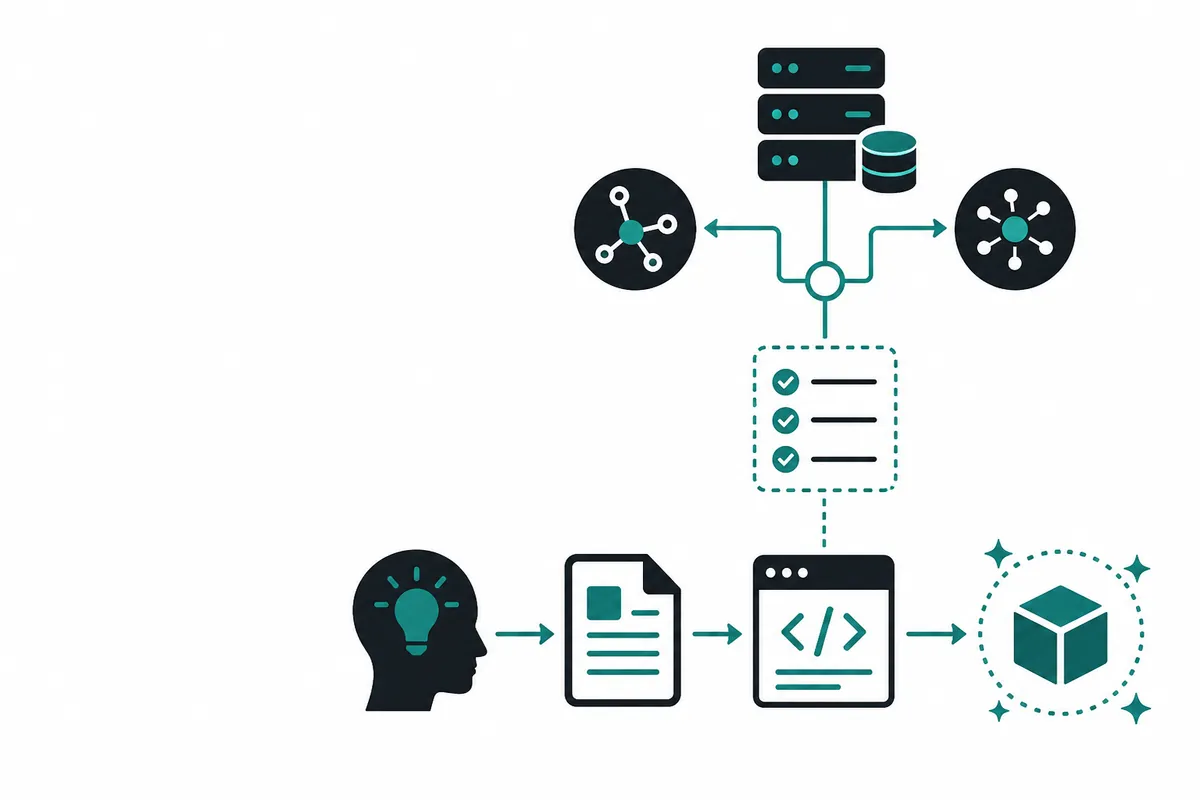
Once the EC2 instance is live, setting up Clawdbot is as simple as copying a one‑liner from the Claude.bot website and pasting it into your server terminal. The script handles the installation and kicks off an onboarding wizard, where you:
- Accept the security risks of giving the bot access to your filesystem, keys, or email.
- Choose Quick Start and connect your Anthropic Max plan using the token‑paste method.
- Select the latest Claude Opus model for the smartest possible behavior.
- Link channels like Telegram by following in‑app instructions and pairing codes.
- Configure skills, memory, and hooks to define what your AI agent can see and do.
Creating a 24/7 Personal AI with Clawdbot#
A major highlight of this tutorial is how Clawdbot becomes a persistent, multi‑channel assistant:
- Runs 24/7 on AWS free tier: Use an 8 GB free instance to host your bot with no additional cost, as long as you don’t spin up extra paid resources.
- Multiple channels: Talk to your bot from WhatsApp, Discord, Telegram, and more, turning it into a centralized AI layer across your apps.
- Real‑world use cases: For example, with Meta Ray‑Ban smart glasses that support WhatsApp, you can snap a photo of a product in a store, send it to Clawdbot, ask for the current price on Amazon, and have it add the item to your cart if it’s cheaper.
Skills, Identity, and Advanced Capabilities#
Clawdbot supports a rich skills and plugins ecosystem. In the video, the creator starts by adding the Exa MCP skill, which provides:
- Web search and deep search
- Advanced browsing
- No extra API key required when used via MCP
From there, you can add more skills—like connecting to GitHub—so your bot can help with software development, repository management, and workflow automation.
During onboarding, you also “hatch” your bot by defining its identity:
- Give it a name (e.g., Jinx)
- Describe who you are and what you do (e.g., content creator and software engineer)
- Set the bot’s vibe, time zone, and behavior preferences
Clawdbot then builds its own persistent profile and “soul” over time, making it feel more like a personal agent than a generic chatbot. Combined with free 24/7 hosting on AWS and easy multi‑platform integration, this setup turns Claude into a powerful, always‑available AI copilot for your daily life and projects.